AZwildcat
Supreme User
-
Joined
-
Last visited
-
Hey that just means more flying for you! 🤪
-
Sent from my iPhone using Tapatalk
-
-
Did the guys with FDX invites all have an internal rec?
-
-
Shoot me a text. We can get them for you in Korea.
-
Edwards already did the testing the for the T-38s and T-6s, TCTOs are out. I don't know about the T-6 timeline but the T-38s will start happening soon. All The T-38Cs and T-6s are TCAS equipped, as far as I know no plans for ADS-B in...Stratus/iPad does that well enough. For fighters, everyone's going to IFF Mode 5, which I'm pretty sure can satisfy the ADS-B out requirements though some sort of PFM. Same thing for the U-2. Obviously no one is meeting the 2020 deadline.
-
Bad Elf makes a small GPS receiver with a lightning connector that plugs into the iPad. Works fine, but slow to initially acquire position. No ADS-B, just position. They also make various bluetooth GPS receivers that are probably better, but if you're in an environment where bluetooth/wi-fi is a no-go, this is the only solution. iPads with LTE/cell capability have an internal GPS antenna that is as good or better than the little Bad Elf...so if your unit is buying new iPads, spring for the cell capable ones, it's well worth it. The best way to go is something that gives you GPS and ADS-B in. Stratus is great, we use them...6-9 hr battery life. There's also the Sentry puck, which is ForeFlight's latest proprietary thing. I think the battery lasts longer, some other neat things like a CO2 sensor for GA flying. I don't have much experience with the Dual options, but they offer similar capability, but Bluetooth based. All of them also have a poor man's AHRS system as well. There's no perfect setup for everyone, depends on your aircraft/mission/restrictions/etc.
-
It will work without the app, just plug it in and go. It can take roughly 30 seconds to a minute to get its position the first time you plug it in, but after that it'll be solid. You can also run a micro usb cable into the side of it to charge the iPad while you're using it. I would, however, recommend downloading the app if you can for firmware updates. If you can't download it on your EFB, then do it on your own iPad/iPhone. Just plug the Bad Elf in, open the app and it'll tell you if a firmware update is available. The newer firmware fixes some glitches with acquiring a position.
-
Bad Elf plug-in will work fine with ForeFlight. I'm assuming your iPad doesn't have internal GPS. What you're "allowed" to do is dependent on the MAJCOM, aircraft, unit, and syllabus if you're in training. Generally speaking though, the Bad Elf is certified as legal carry on equipment.
-
T-7A Retainer
-
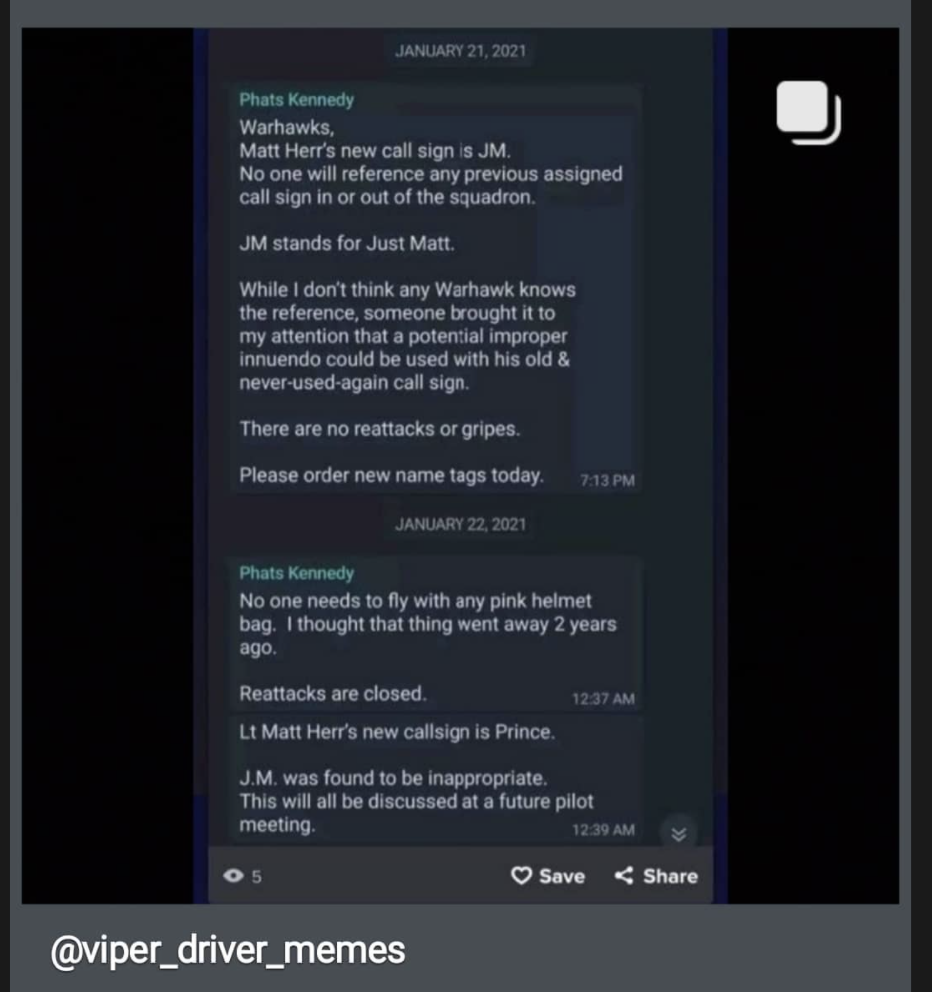
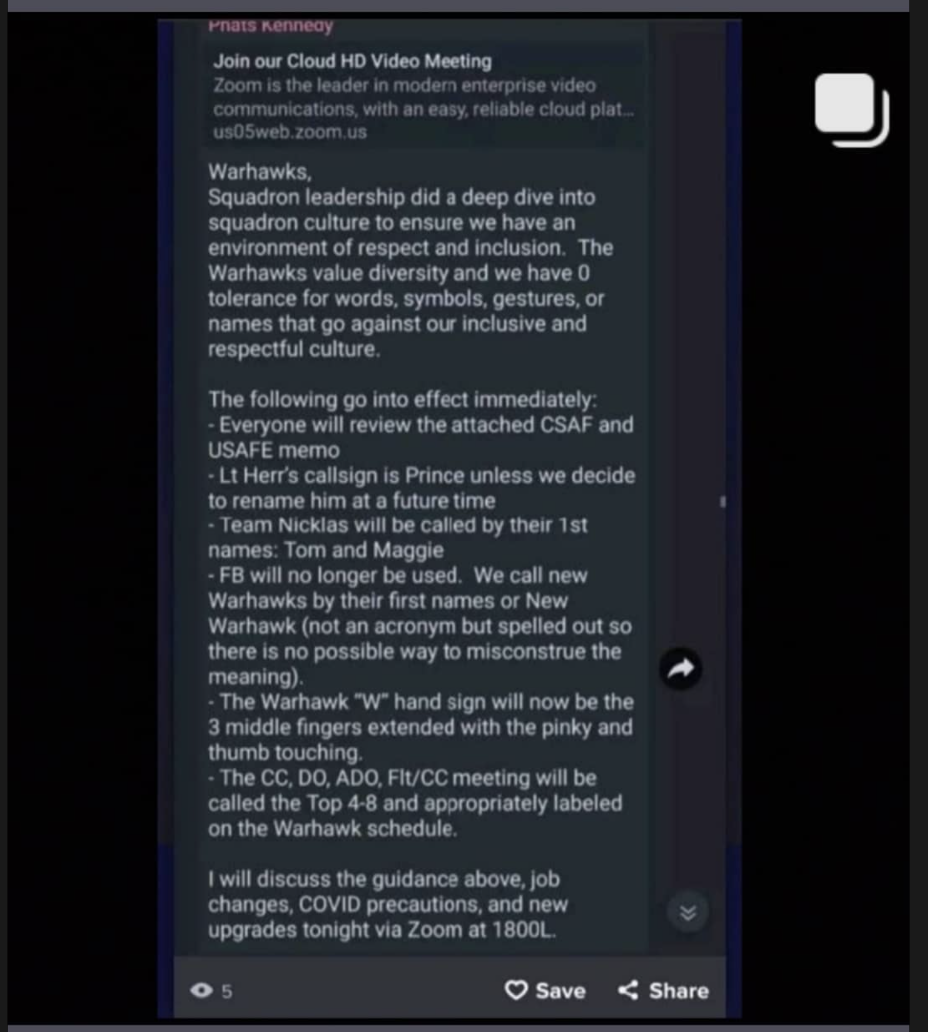
F*$k! Prayers to the KDLF family. Fly safe out there, this trend is very troubling. 🍺Should've went with "Clown Penis"
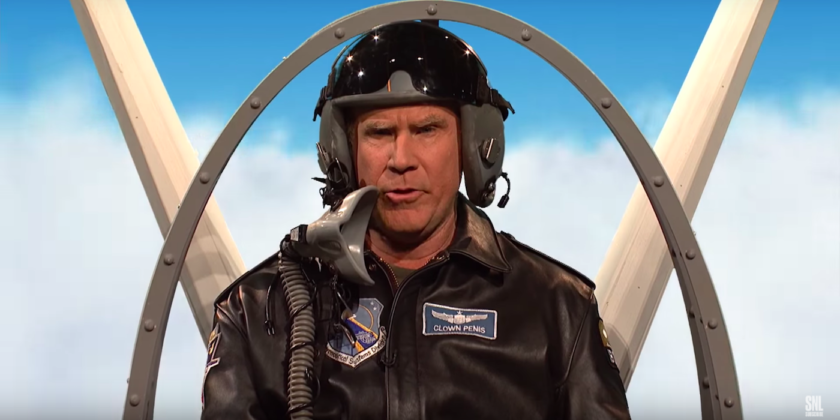 Further evidence of the pussification of the American military. This is definitely going to help retention.